QuickDial Requirements
Before being able to access QuickDial, there are a few requirements that need to be met
- Download the Counterpoint Cloud Platform App from https://counterpoint.cloud/app.php
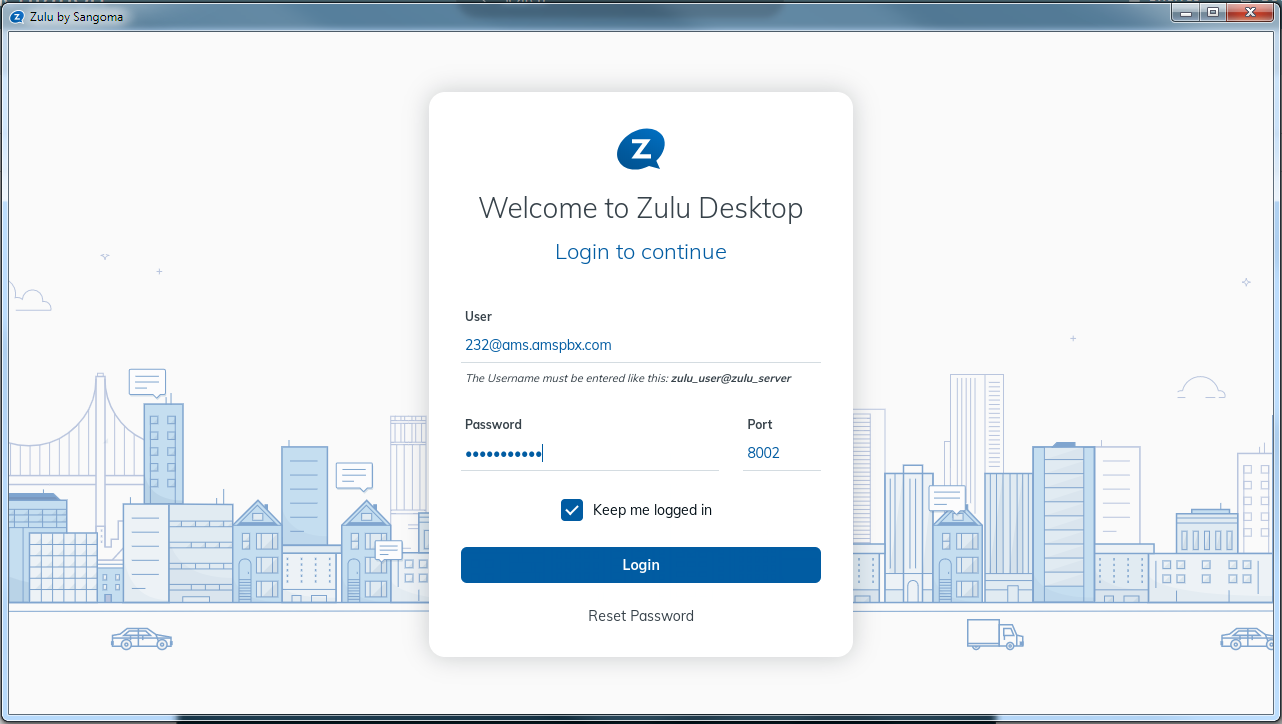
- Download the current Zulu softphone app from https://zulu-updater.sangoma.com/releases/stable
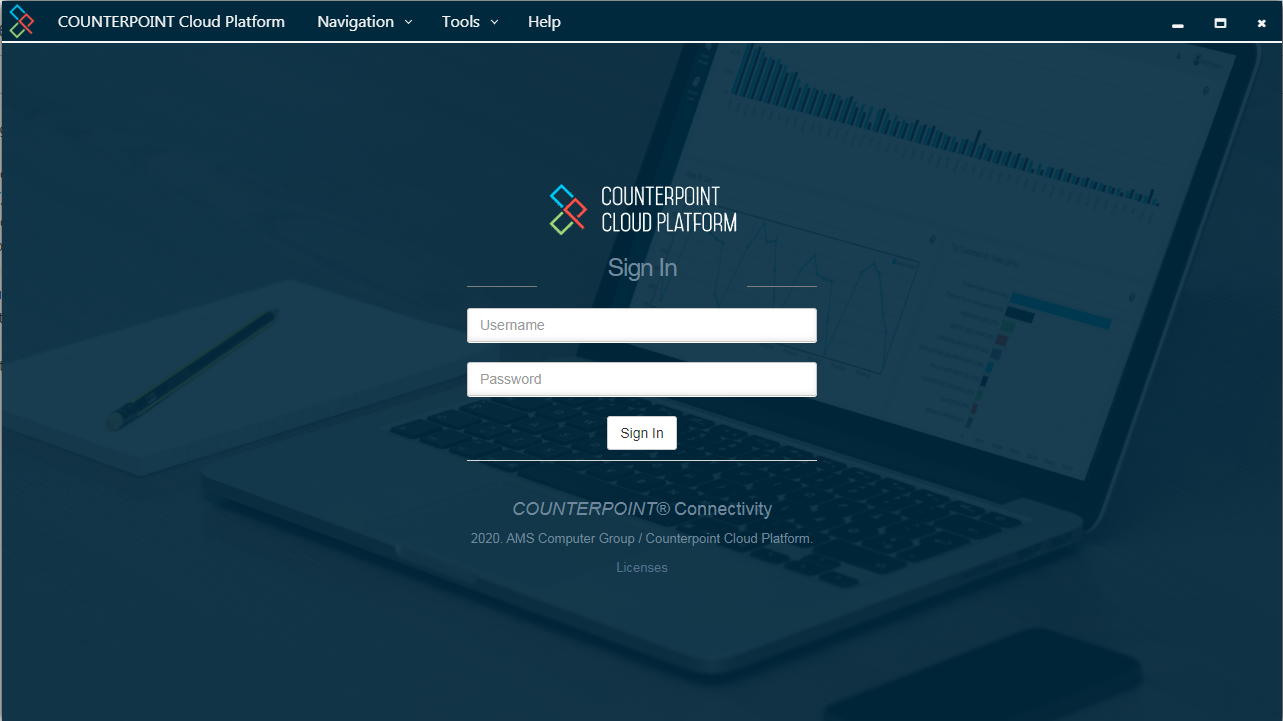
- Get Counterpoint Cloud Platform Credentials
-- These can be created by a Counterpoint Cloud Platform admin, or your AMS Support Team
- These can be provided by your AMS Support Team
Once logged into the Counterpoint Cloud Platform, you will stay logged in indefinitely
When logging into the Zulu App, your username should be the same as your extension