This information will be available for all parts except Kits and will be refreshed nightly
### Product Maintenance and Inquiry The Product Maintenance and Inquiry screens have been updated to view this information by clicking on the magnifying glass icon in the On Order description. 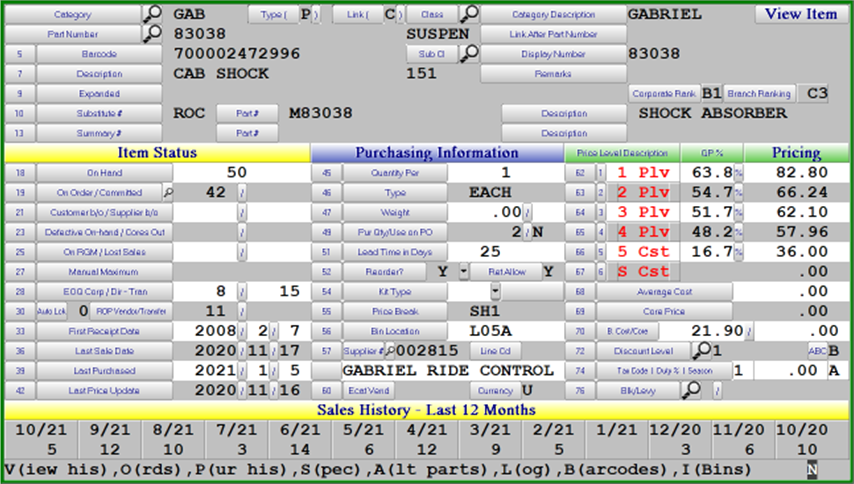 ### Branch Stock Inquiry The Branch Stock Inquiry screen has also been updated to view this information by clicking on the magnifying glass icon on the On Order description. 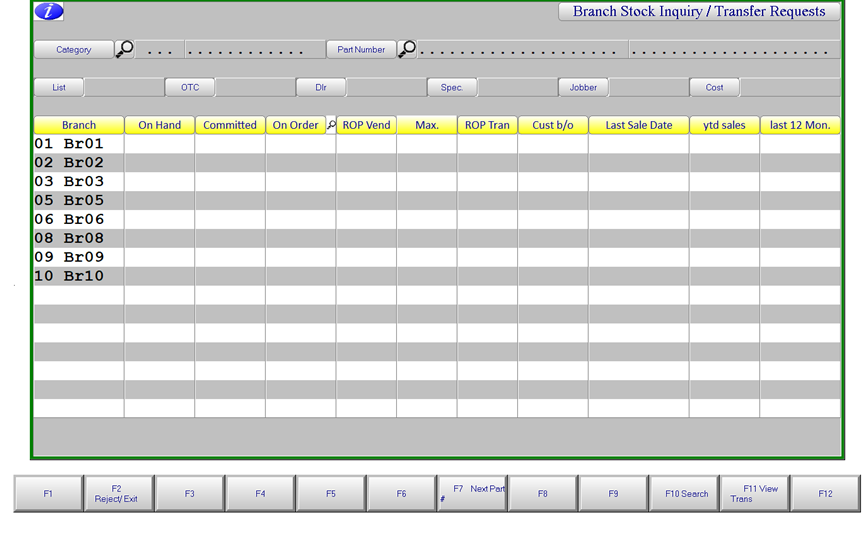 ### Invoicing The Invoice screen has also been updated to view this information by clicking on the magnifying glass icon on the On Order description. 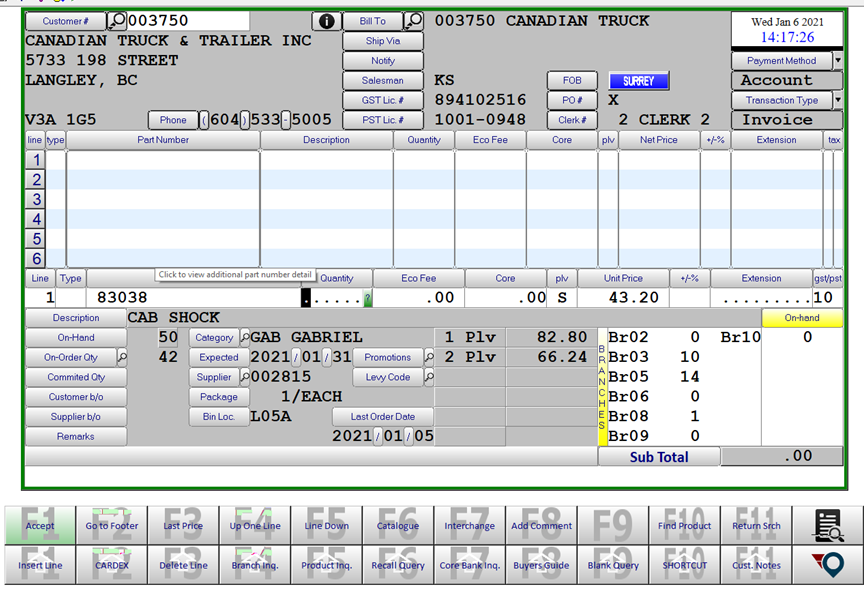 ### Daily HTML extract The Daily HTML exports has been updated to include a new column indicating the Cross Dock quantities. This is in Column R with heading **DC Cross Dock**